Overview
This page will walk you through how to customize emails on your Tenant.
The notifications channel on DDOE has two types:
- The Notification Channel App: You can customize it.
- Internal: The DDOE Global Notifications that are displayed on the activity bell.
The Notification Channel App allows you to customize the email Templates based on the existing DDOE events.
For a better understanding of applications, read about applications.
Adjust the App Itself and the Email Content
Customize the Email Template
- Find the DDOE Notification Channel App at this link.
- Update
DDOE.json. Go to thesrc>DDOE.jsonfile. - Update the codebase. Change the app name
name,displayName, and update thecontext.
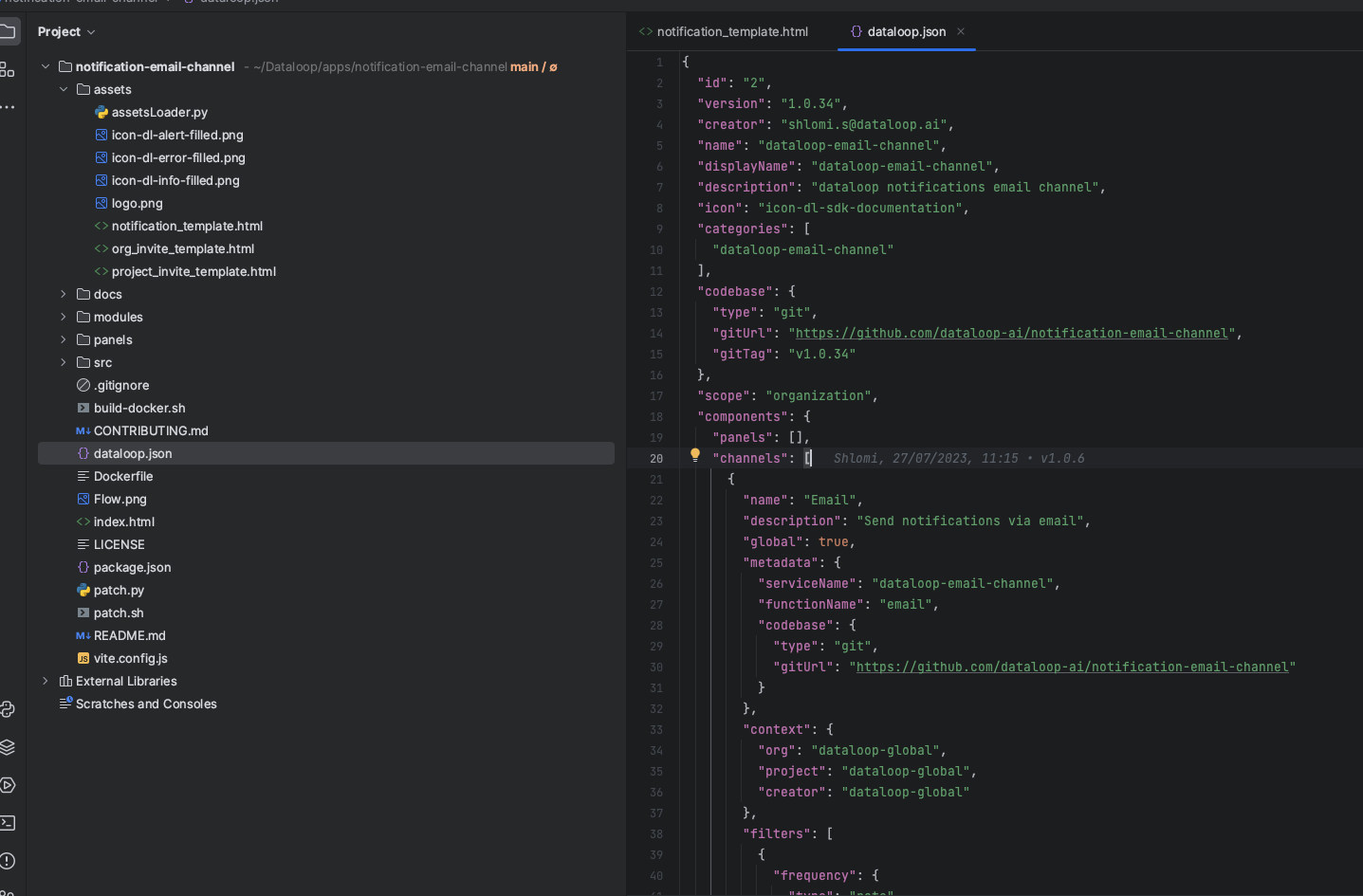
The assets' folder contains three HTML Templates developed by the DDOE. You may edit the existing templates or add new ones.
To add a new email template, define it on the templateResolver.py.
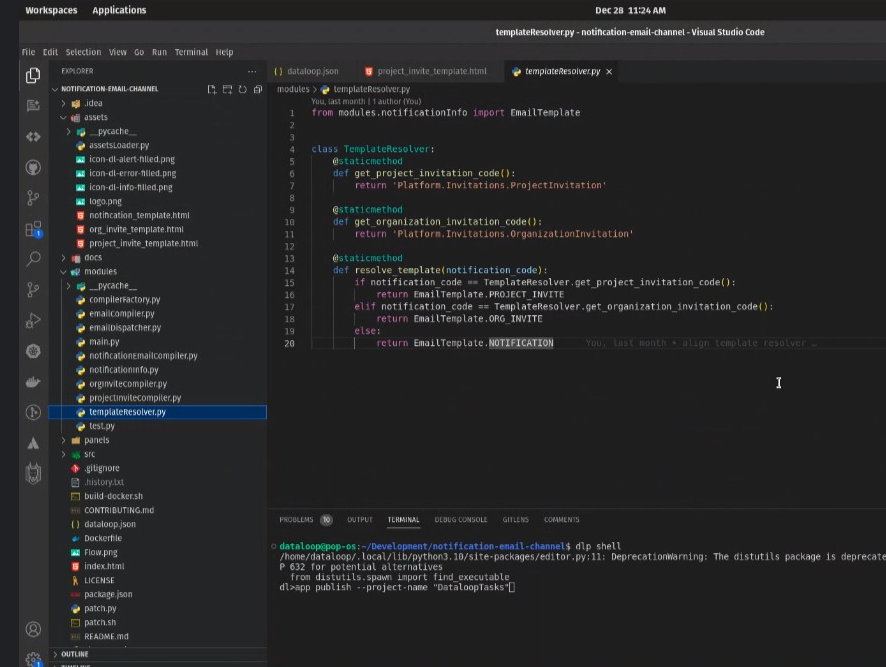
The template can only relate to DL existing events. For example, if you would like to send email to a user who’s celebrating two months at the DDOE platform, this event doesn’t exist. The events list mentioned on the bottom of this page.
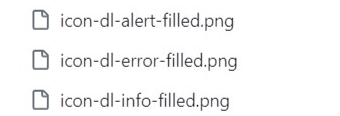
You can also change the logo and the email icons by replacing the following PNG files:
Connect the App to the DDOE Platform
Once your app is ready, connect it to the DDOE platform by installing the DPK:
From the app itself on the SDK run:
SDK
project = dl.projects.get(project_name='project_name')
with open('dataloop.json', 'w') as f:
    dpk_json = dl.Dpk.from_json(json.load(f))
dpk = project.dpks.publish(dpk=dpk_json)
Or
CLI
dlp app publish --project-name <PROJECT_NAME>
Then, install the app:
SDK
app = project.apps.install(dpk=dpk)
CLI
dlp app install --dpk-id <DPK ID> --project-name <PROJECT_NAME>
Or, update if the app already exists:
SDK
project = dl.projects.get(project_id="app_project_id")
dpk = project.dpks.get(dpk_id="your_dpk_id")
app = project.apps.get(app_id="your_app_id")
app.dpk_version = dpk.version
app.update()
Create a Notification
API
composition = app.compositions.get(composition_id=app.composition_id)
channel_id = composition['channels'][0]['state']['channelId']
dl.client_api.gen_request(path='/notifications', req_type='post', json_req=
{
    "name": 'testLiaor',
    "channels": [channel_id],  # id
    "context": {  # where the notification set
        "project": project.id,
        "org": project.org['id'],
        "creator": 'mohanad@dataloop.ai'
    },
    "minPriority": 100,  # give me only the notification with priority > 100
    "notificationCodes": ['Platform.Faas'],
    "contextMatch": {  # where the issue happen
        "project": project.id,
        "org": project.org['id'],
    },
    "target": {  # for whom to send the notification
        "minRole": dl.Role.DEVELOPER,
        "type": "project.role",
        "project": project.id,
    }
})
minRole
Must be a field of the following Enum Class.
class Role(str, Enum):
    OWNER = "owner",
    ADMIN = "admin",
    MEMBER = "member",
    ANNOTATOR = "annotator",
    DEVELOPER = "engineer",
    ANNOTATION_MANAGER = "annotationManager"
    ALL = "*"
Type
PROJECT_ROLE = "project.role",
    PROJECT_MEMBERS = "project.members",
    PLATFORM_USER = "platform.user",
    DYNAMIC_ORG_PROJECTS_ROLE = "dynamic.org.projects.role",
    APPLICATION_RECIPIENTS = "application.recipients",
    PERSONAL_EMAIL = "personal.email"
notificationCodes
Platform.Faas
Platform.Workflow
Platform.Invitations
Platform.Models
Platform.Subscriptions
Delete a Notification
API
DELETE /notifications/:id
DL Events
services.restartedservices.systemDeactivatedexecutions.failedpipelineRun.failedassignments.createdassignments.updatedassignments.statusChangedassignments.expiredtasks.createdtasks.updatedtasks.statusChangedtasks.expiredannotationStatus.createdannotationStatus.updatedannotations.createdannotations.updatedprojects.userAddedorgs.userAdded